Slotwise finds the classes, camps and programs running near you — then takes everything your family signs up for and builds one weekly schedule that actually fits. No double-booked kids. No stranded drivers. No accidental triple-Tuesday. When it's right, it lands in the calendar you already use.
A season of kids' activities is two hard problems at once: finding what's worth signing up for, and fitting it all into a week that works. Slotwise does both.
Most calendars only show you the collision after you've booked it — and they're no help at all finding the class in the first place. Slotwise works from the other end: discover what's on near you, tell it the slots each activity could go in, and it finds the arrangement with no collisions at all.
Then it does the boring constraint-solving so you don't have to.
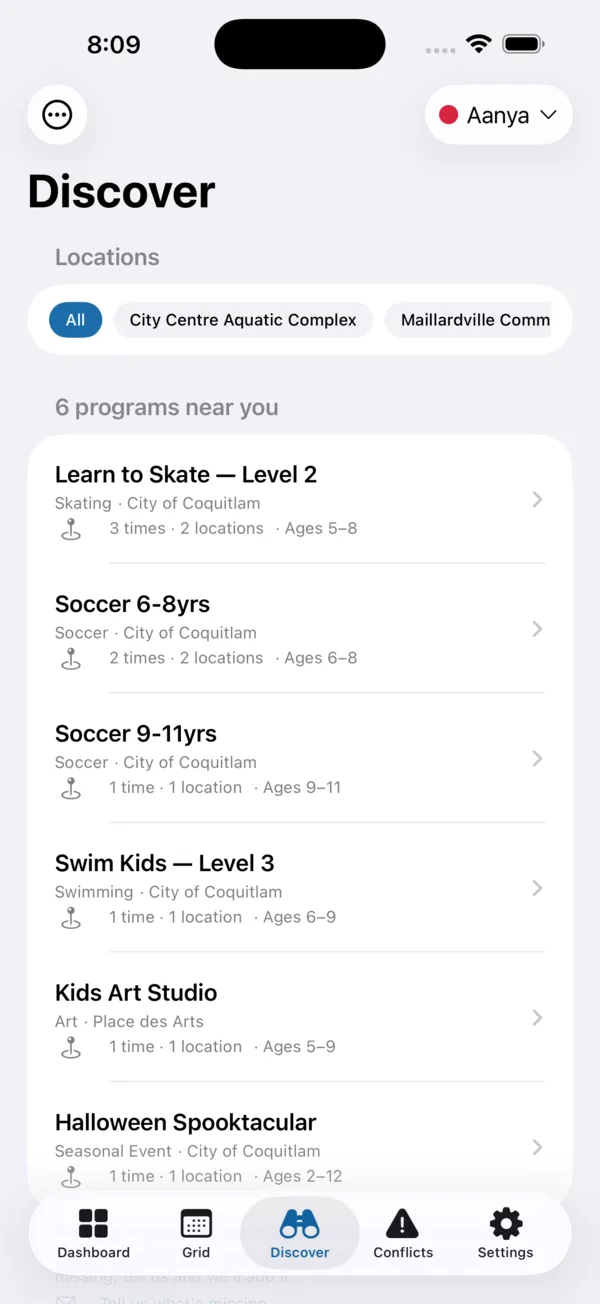
Browse local classes, camps and programs — swimming, gymnastics, dance, skating, art and more — filtered to your child's (or your own) age and interests. Slotwise groups them by level, shows every time and location a program runs, and uses your location only to sort by what's closest. Tap through to the facility's own page to register.
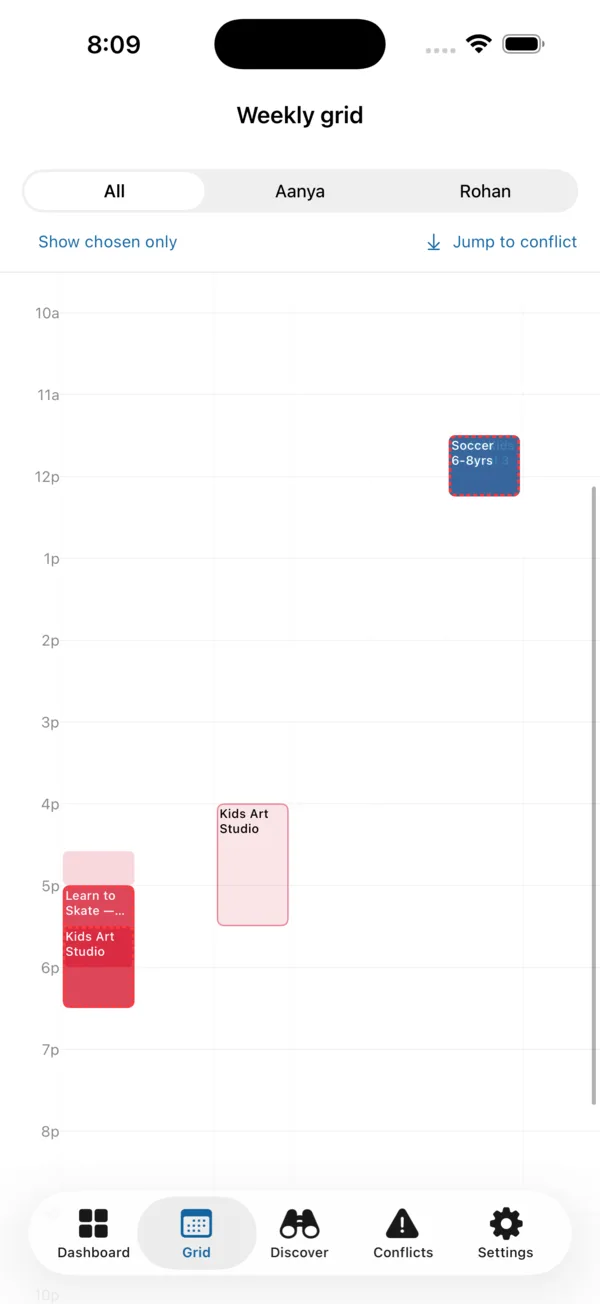
Add each activity and the candidate time slots it could take — Mon 4:00, Wed 4:00, Saturday morning — for every kid and caregiver. See the entire week colour-coded by child, or filter to one at a time. Prep and travel buffers are built in, so back-to-back classes across town don't quietly become impossible.
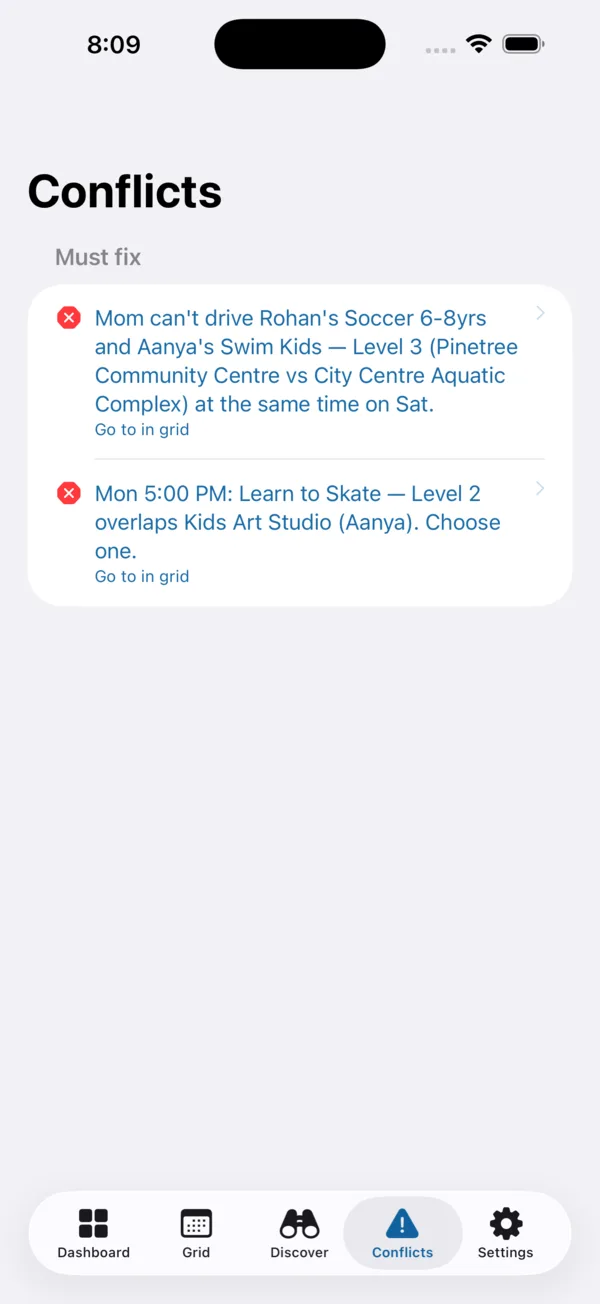
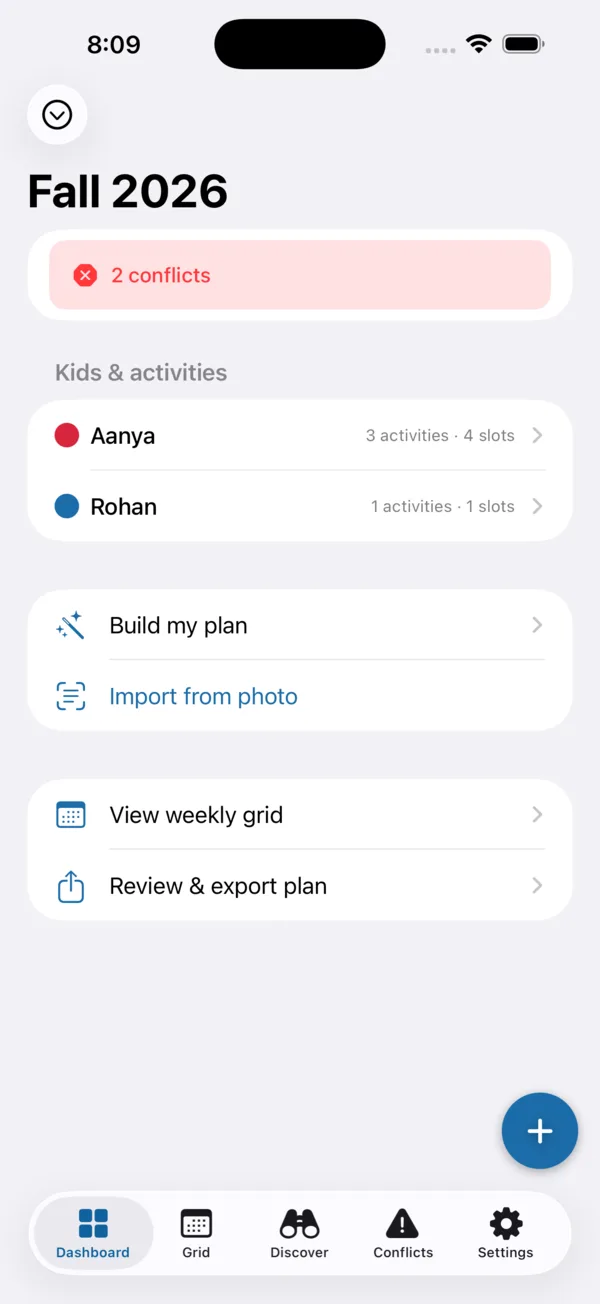
Slotwise flags real conflicts — a driver double-booked at the same hour, an overlap you'd never reach in time, a rule you set yourself. Each one explains exactly what's wrong and links straight to the grid to fix it. One tap can auto-suggest a feasible plan; when it all fits, export a standard calendar file to Apple Calendar, Google Calendar or Outlook.
A searchable catalog of local kids' and family programs — classes, camps, clinics and one-off events. Filter by location, age, interest and whether registration is open, upcoming or waitlisted. Programs are grouped by level so you can compare every time and location at a glance, for kids and adults alike.
A deterministic engine checks real overlaps — not just calendar boxes, but prep and travel buffers around each activity. Back-to-back classes at different places you can't physically reach in time get flagged before they become a Tuesday-afternoon scramble.
Assign a driver to each activity and Slotwise treats a double-booked driver as a hard conflict — not a vague worry. Add a second driver and it clears. Multiple kids at the same place count as one trip, and it warns when a driver can't cross town between two locations in time.
A constraint solver tries every combination of your candidate slots and returns a feasible, rule-friendly plan in milliseconds. When nothing fits, the "drop one" recommendation names the single activity blocking the rest — so you make one decision instead of twenty.
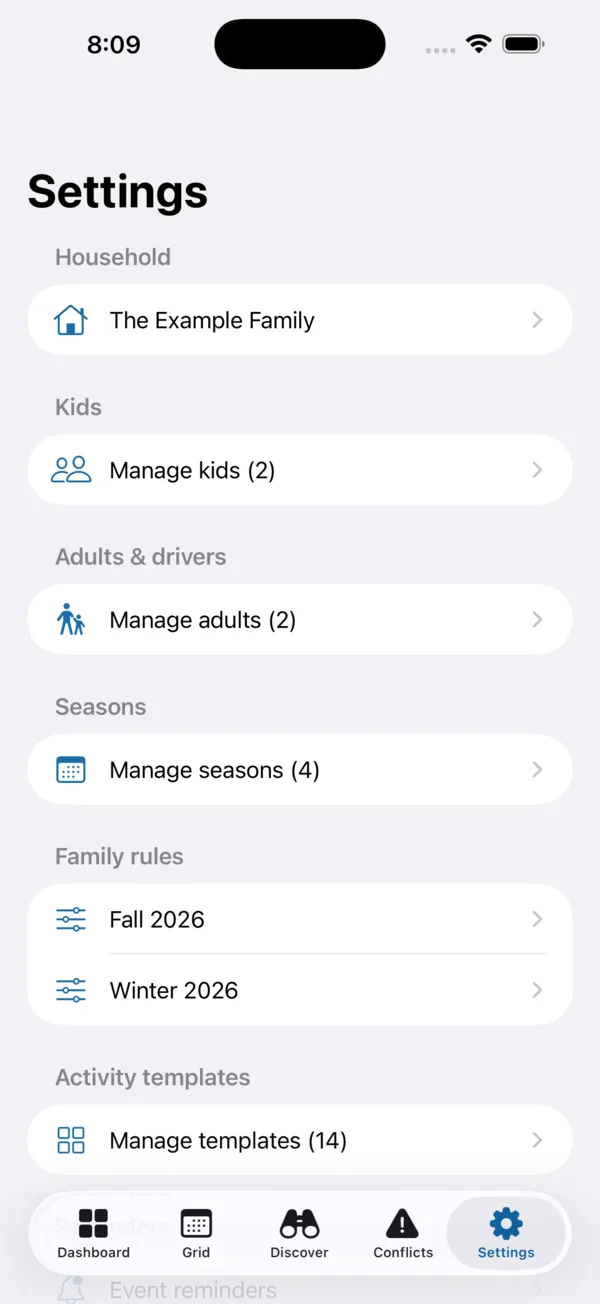
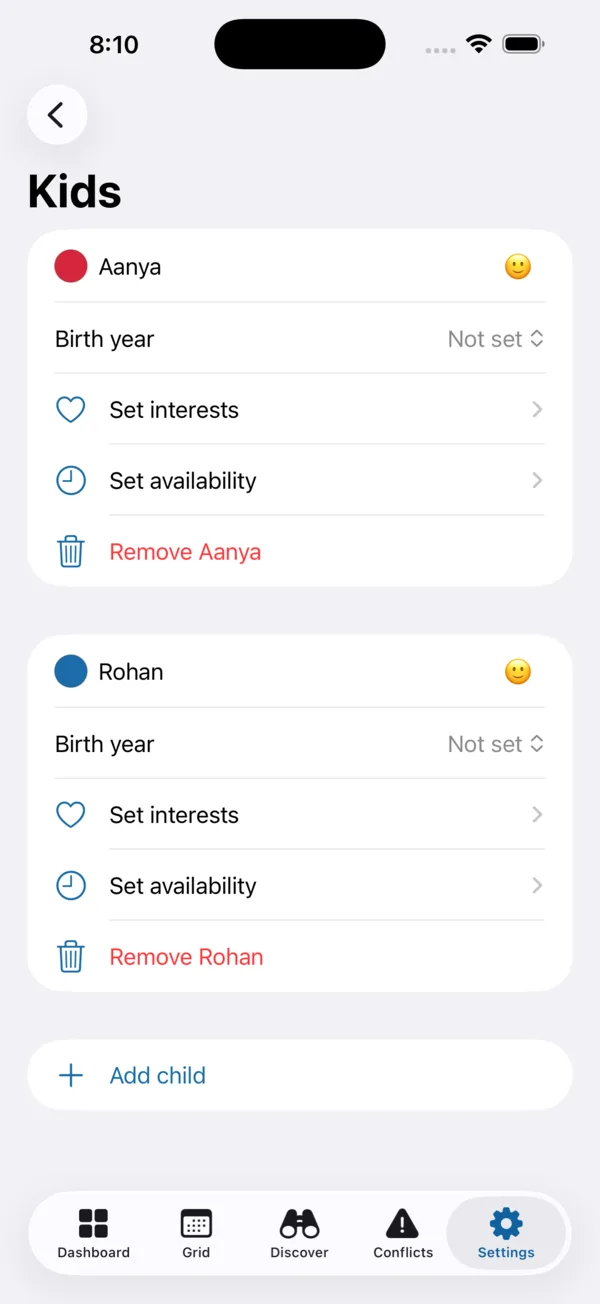
Add every kid and adult, each with interests and weekly availability. Declare the limits that matter — nothing after 8 pm on school nights, max three evenings a week, a minimum gap between places, light weekends — and Slotwise prefers slots inside them and warns, gently, when a choice falls outside.
Set on-device reminders for the moment registration opens, and "before it starts" nudges for activities and events you're watching. They're local notifications scheduled from your phone's clock — no account, no push server, and no spam.
Point your camera at a printed schedule and Slotwise reads the dates and times on-device, turning them into draft activities you review before anything is saved. Text recognition runs entirely on your phone — the photo never leaves the device.
When the plan looks right, export a standard .ics file — weekly repeats, biweekly intervals, one-off exceptions, optional "time to leave" reminders and the assigned driver all included. It opens in Apple Calendar, Google Calendar or Outlook, and stays put across daylight-saving changes.
Free, with no account — and the planning works offline.
Slotwise has no accounts and no advertising. The things you enter — your kids' and caregivers' names, your rules, your activities and your finished plans — are stored only on your device. We never receive them, and they're never included in anything the app sends.
Two features reach the internet, and only ever with anonymous information. Discover fetches public program listings using just the filters you're searching by — an age, a few interests, a city or postal code you type, and (if you allow it) a single location reading to sort by distance. That location is used in the moment and is never stored or shared; decline it and Discover uses a city or home address instead. Opening Register hands you off to the facility's own website.
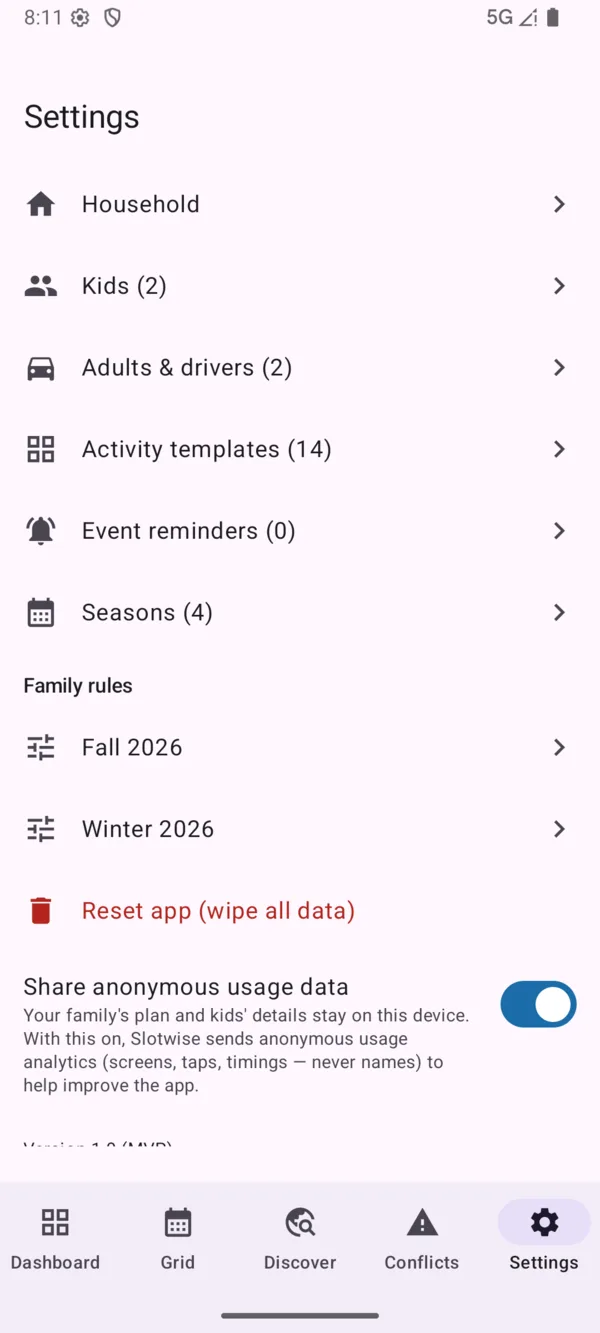
To improve the app, Slotwise sends anonymous usage analytics (which screens are visited and for how long — never names, schedules or locations), and you can switch it off any time in Settings. Flyer import runs on-device; the photo never leaves your phone. Full detail is in the Slotwise privacy policy.
Two things calendars can't. First, it helps you find local activities — classes, camps and programs near you, filtered by age and interest. Second, it works from the other end of scheduling: you give it each activity and the slots it could go in, plus your family's rules, and it finds an arrangement with no conflicts — checking travel time, driver availability and your limits — then exports that plan to your calendar.
There's no account, ever — no sign-up and no login. Planning, conflict-checking, the auto-suggest solver and calendar export all work fully offline. Finding new activities in Discover uses the internet to fetch public listings, but it sends only anonymous filters (like an age and interests) — never anything about your family.
Only if you let it. Discover asks for the system "while using the app" location permission and takes a single reading to sort results by distance — it's never stored, shared, or tracked in the background. Prefer not to share it? Type a city or postal code, or set a home address, and Discover works just the same.
Yes. Slotwise exports a standard .ics file with weekly (or biweekly) repeats, one-off exceptions, optional "time to leave" reminders and the assigned driver. It imports into Apple Calendar, Google Calendar, Outlook, and anything else that speaks ICS.
That's the whole point. Add as many kids and caregivers as you need. Assign a driver per activity and Slotwise treats one driver in two overlapping places as a hard conflict — while multiple kids at the same place count as a single trip.
None of your family's data — names, kids, rules and plans stay on your device and never reach us. The app does send anonymous usage analytics (which screens are used and for how long, no personal content) so we can improve it, and you can turn that off in Settings → Privacy. There are no ads and nothing is ever sold.
Slotwise is launching soon on iOS and Android, free, with no subscription. Want to know the moment it's live? Email slotwise@amoghsa.com and we'll let you know.
Slotwise is on the way — free, no subscription, no account, and no family data leaving your device. Want a heads-up when it lands on the App Store and Google Play? Email slotwise@amoghsa.com.